Analytics: Understanding Your Menu Performance
· Analytics · Menu2Digital Team
Use data insights from digital menus to optimize your offerings and improve profitability.
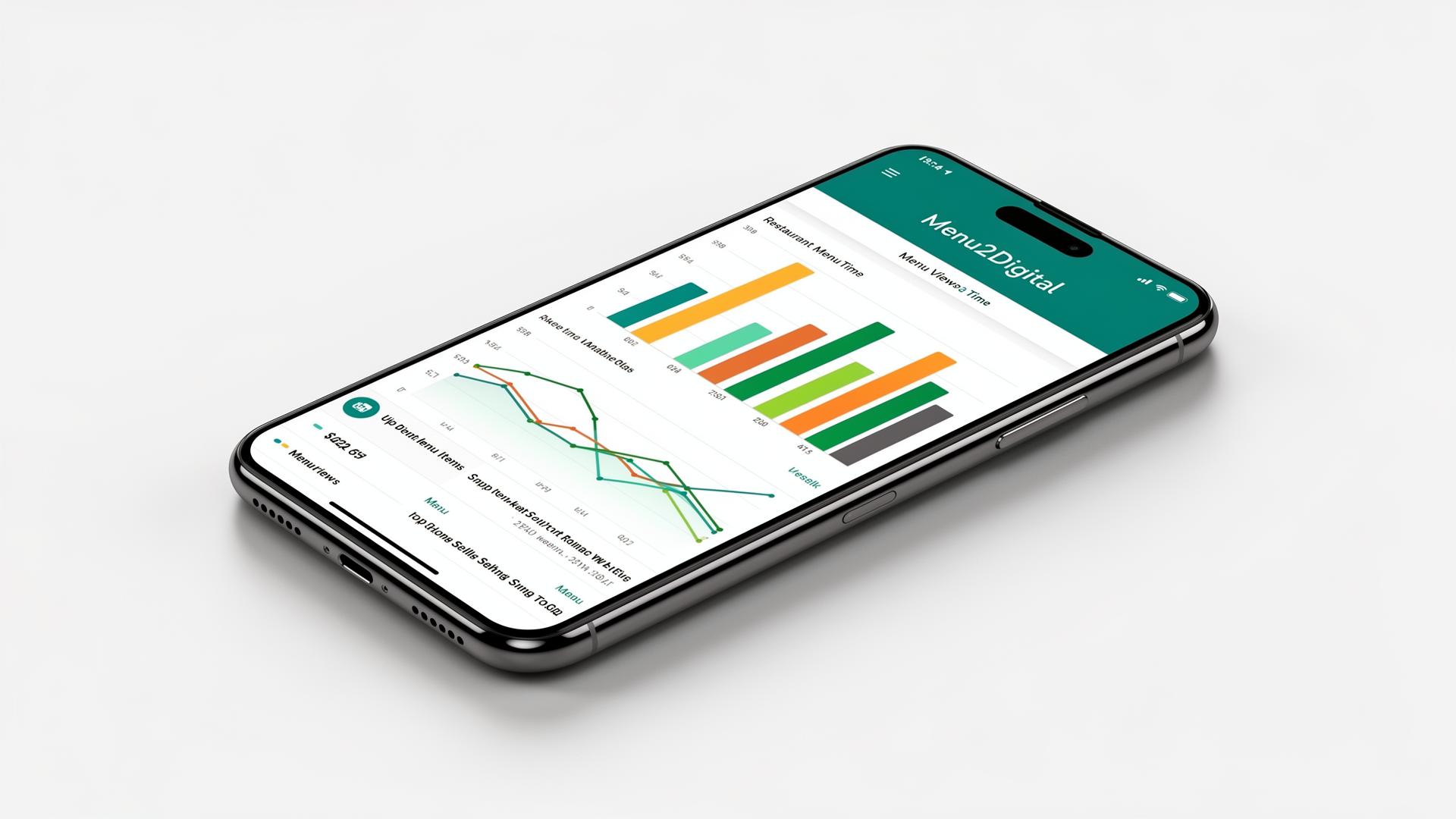
Running a restaurant on instinct is risky. With a digital menu, every view, scroll, and tap becomes data you can use to grow revenue and cut waste. Menu analytics turn guesswork into clear decisions about what to feature, what to fix, and what to remove.
Why Menu Analytics Matter
Traditional printed menus give you zero feedback. You print, you hope, you reprint when something changes. A digital menu like Menu2Digital tells you exactly how many people viewed your menu, which items get the most attention, and when your customers are browsing. That visibility is the difference between guessing and knowing.
Key Metrics to Track
- Total menu views — how often customers open your QR menu. Low views may signal poor QR placement at the table.
- Top items — the dishes customers click and explore the most. These are your stars; protect their margin.
- Underperforming items — dishes that almost no one looks at. Either reposition them, rewrite the description, or retire them.
- Peak browsing times — when traffic spikes. Use this to schedule happy hours, staff smartly, or push promos.
- Category performance — which categories pull customers in (drinks, desserts, mains).
Turning Data Into Action
1. Promote your winners Move top-performing items to the top of their category, mark them as **Featured** so they appear in the slider, or add a dietary tag like *Chef's Pick*. Visibility compounds.
2. Rescue or remove laggards If a dish gets few views, the problem is usually the photo, the name, or the description — not the food. Update one variable at a time and watch the data shift over the next two weeks.
3. Test offers with banners Use [happy hour banners](/blog/happy-hour-banners-featured-items-tags) to push promotions at peak browsing windows. Compare views before and after.
4. Validate price changes Before raising a price, check how often that item is currently viewed. High-view items can absorb small increases; low-view items cannot.
Where to Find Your Analytics
Inside your Menu2Digital dashboard, every active menu shows live view counts and traffic patterns. No setup, no third-party tools — it works the moment your QR codes go live.
The Bottom Line
You don't need a data team to run a smarter restaurant. You need a menu that talks back. Use the numbers to confirm what's working, fix what isn't, and stop guessing about what your customers actually want.
Frequently Asked Questions
What kind of analytics does Menu2Digital provide?
You get total menu views, traffic over time, and visibility into which menus and categories are getting the most attention. Everything updates in real time inside your dashboard.
How can analytics help me sell more?
By spotting which items customers actually look at, you can promote winners, rewrite or remove dead items, and time promotions to your busiest browsing windows — all without printing a new menu.
Do I need extra tools to track my menu?
No. Analytics are built into every Menu2Digital plan. As soon as customers scan your QR code, view data starts flowing into your dashboard automatically.
Is the data private?
Yes. We track aggregate, anonymous menu activity — never personal customer information. Your data is yours alone and is never shared with other restaurants.